Skip to content

Redmessage.nl

je eigen prrofielen chat site!

  • Home
  • Anleitungen
Redmessage.nl
je eigen prrofielen chat site!
← Alle AnleitungenHILFE & ANLEITUNGEN
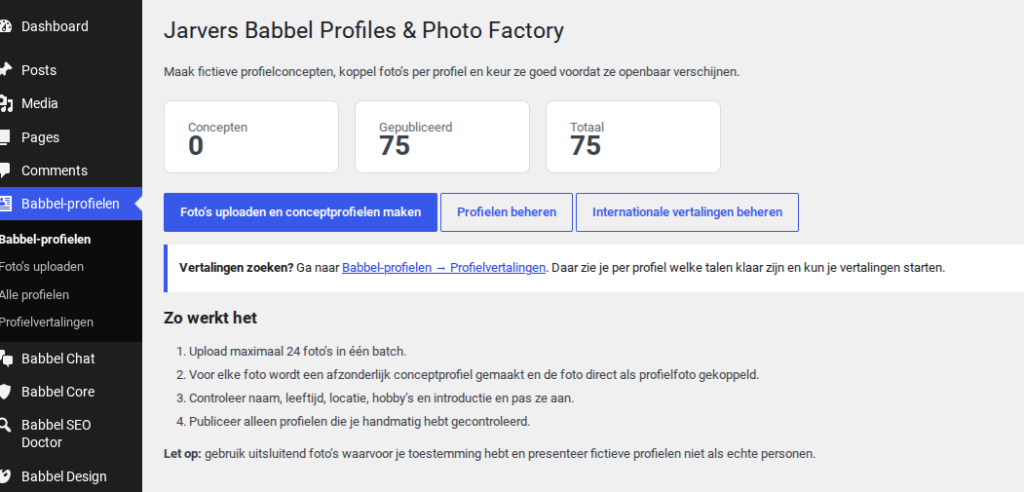
Profile & Photo Factory

Profile, Fotos und Profilkarten verwalten.

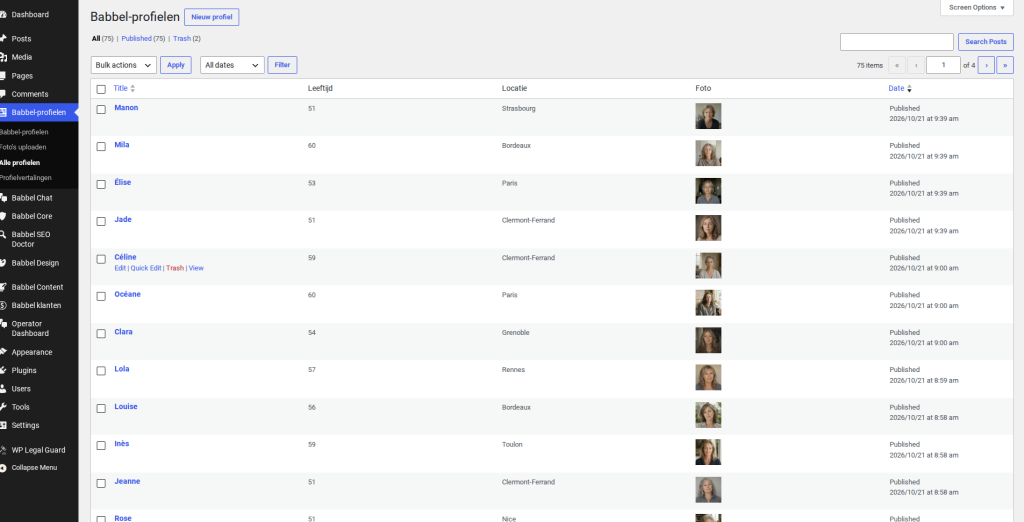
01

Öffne die Profilverwaltung
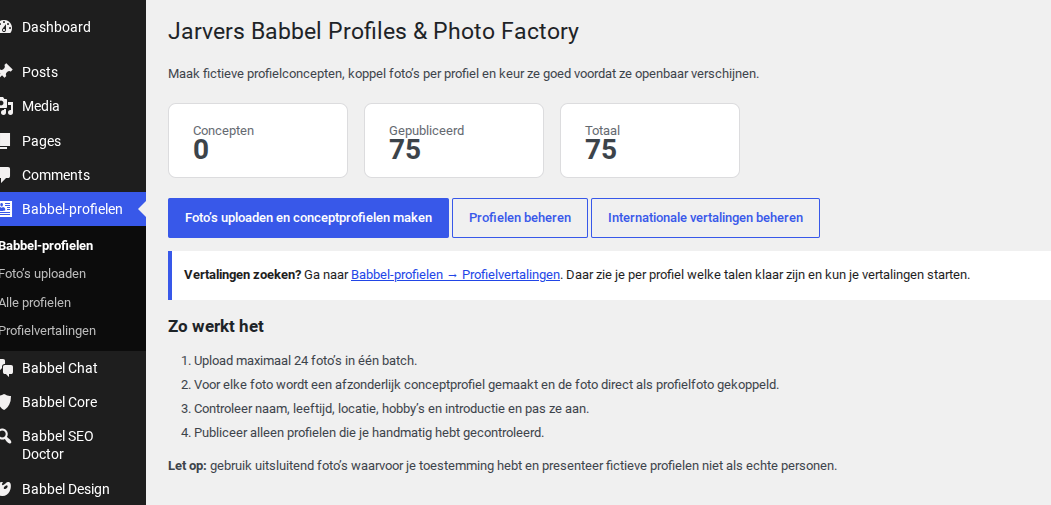
Öffne die ProfilverwaltungFür Originalgröße klicken ↗
02

Sieh dir ein Profil an oder bearbeite es
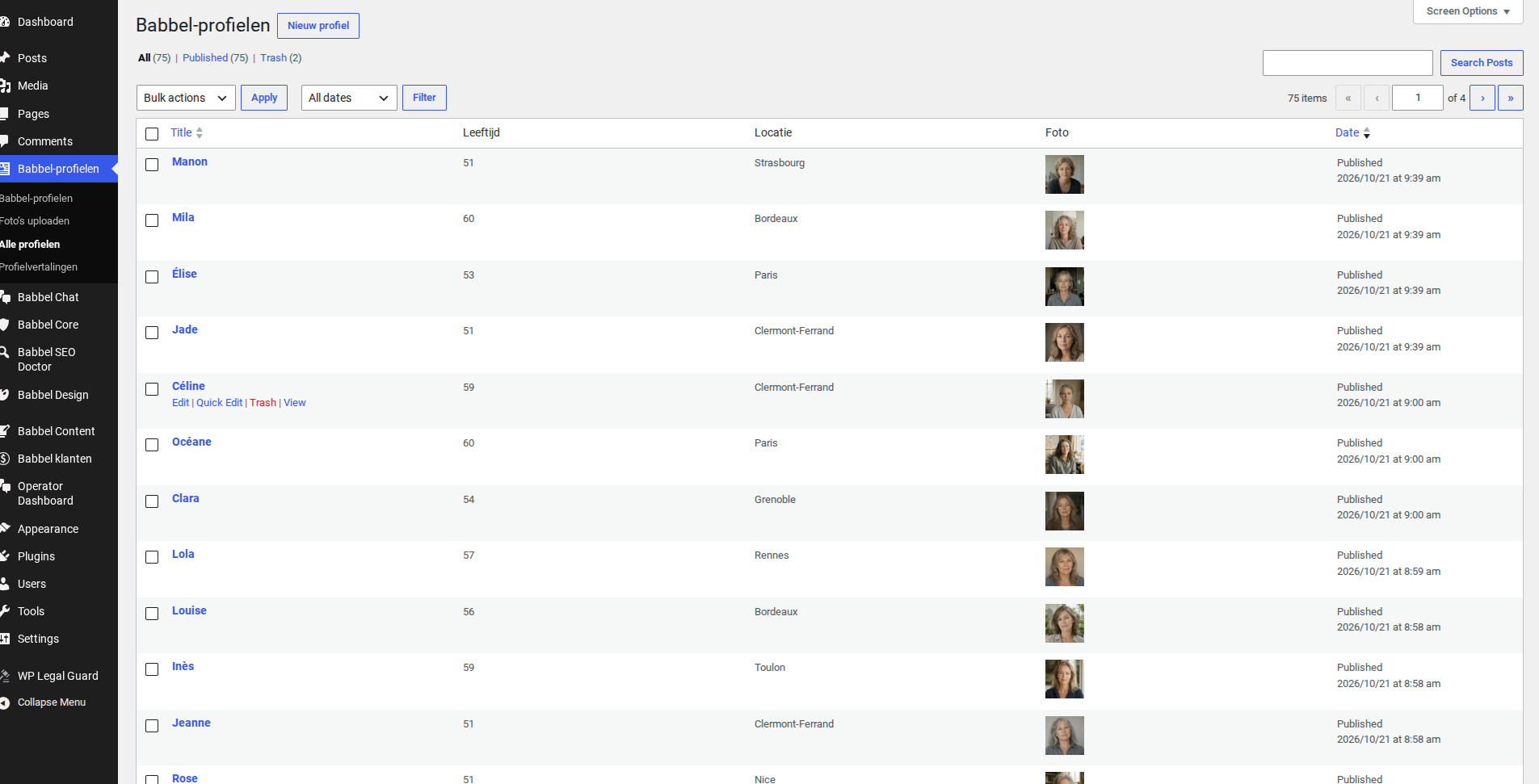
Sieh dir ein Profil an oder bearbeite esFür Originalgröße klicken ↗
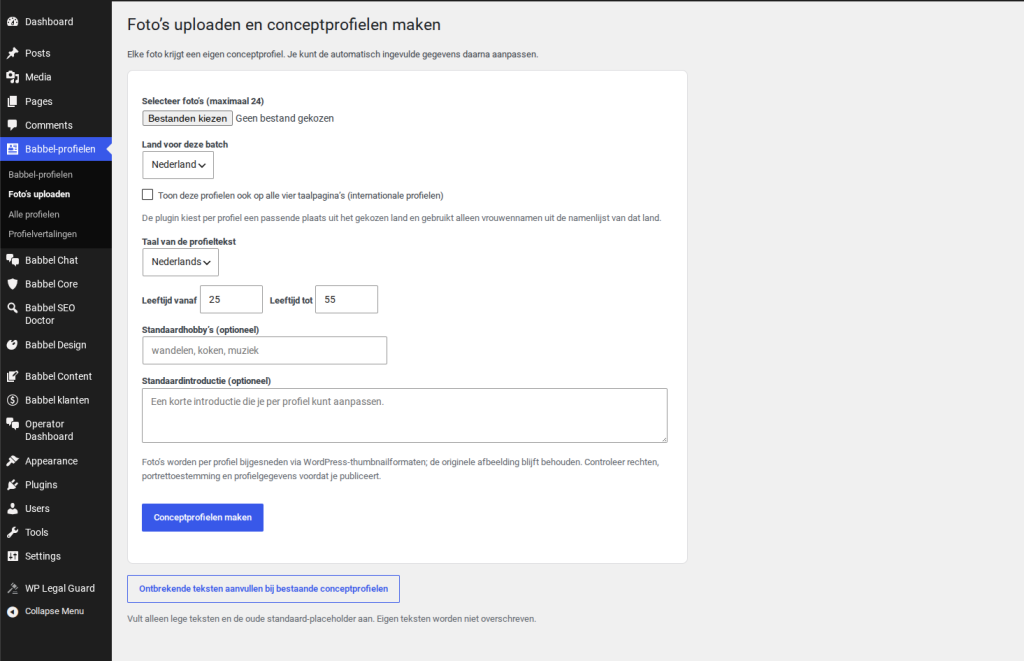
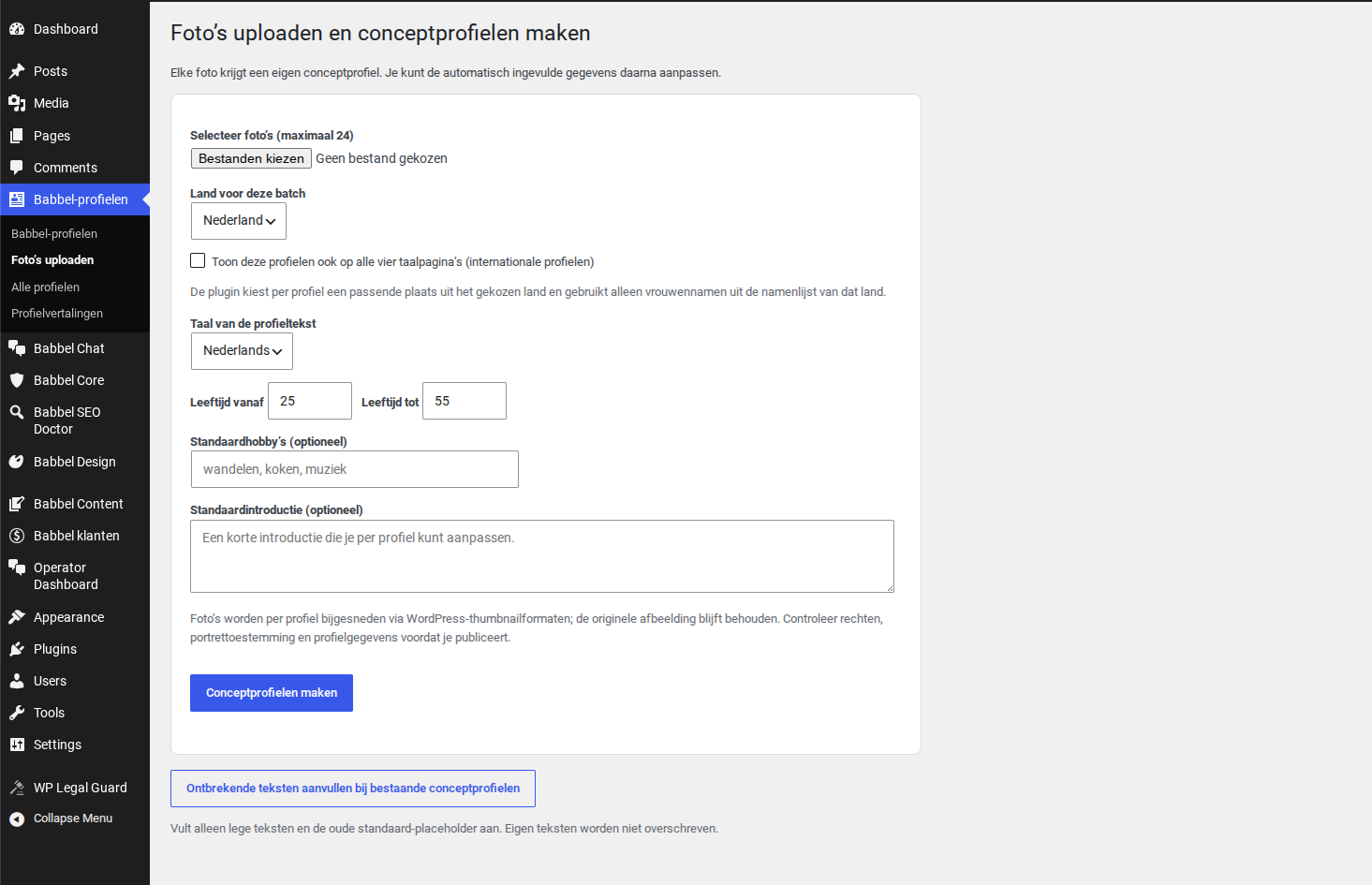
03

Füge ein Foto hinzu oder ersetze es

Füge ein Foto hinzu oder ersetze esFür Originalgröße klicken ↗
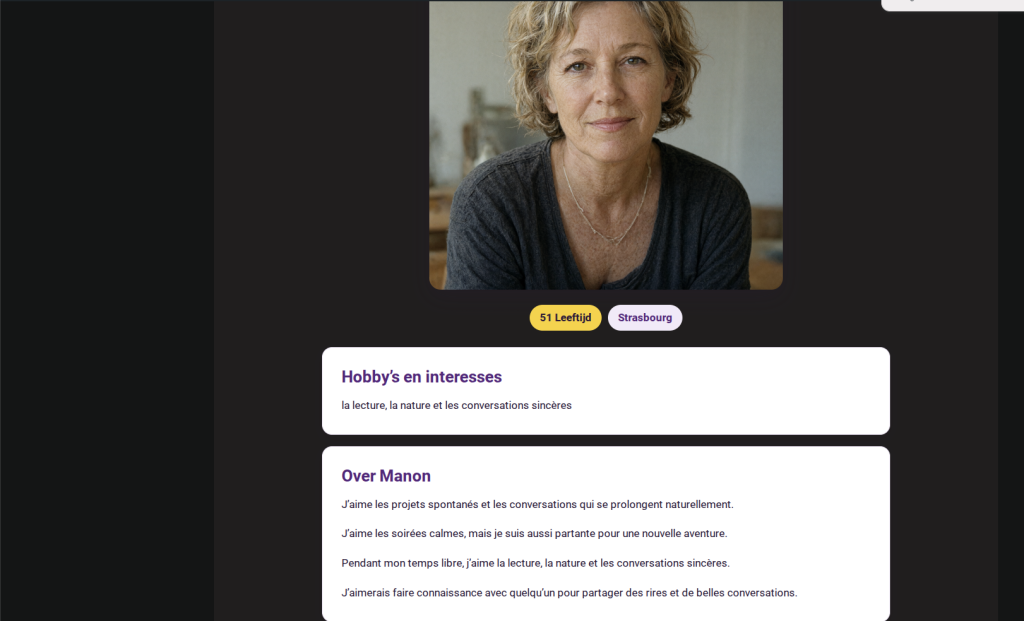
04

Prüfe die Profilkarte

Prüfe die ProfilkarteFür Originalgröße klicken ↗
Alle Anleitungen ↗

© 2026 Redmessage.nl

Powered by CookieAdmin
Necessary cookies enable essential site features like secure log-ins and consent preference adjustments. They do not store personal data.
None
Functional cookies support features like content sharing on social media, collecting feedback, and enabling third-party tools.
None
Analytical cookies track visitor interactions, providing insights on metrics like visitor count, bounce rate, and traffic sources.
None
Advertisement cookies deliver personalized ads based on your previous visits and analyze the effectiveness of ad campaigns.
None
Unclassified cookies are cookies that we are in the process of classifying, together with the providers of individual cookies.
None
Powered by CookieAdmin
  • Home
  • Anleitungen